
Text Repeater
Repeat Text, Words, Messages & Emojis Online
What Is a Text Repeater?
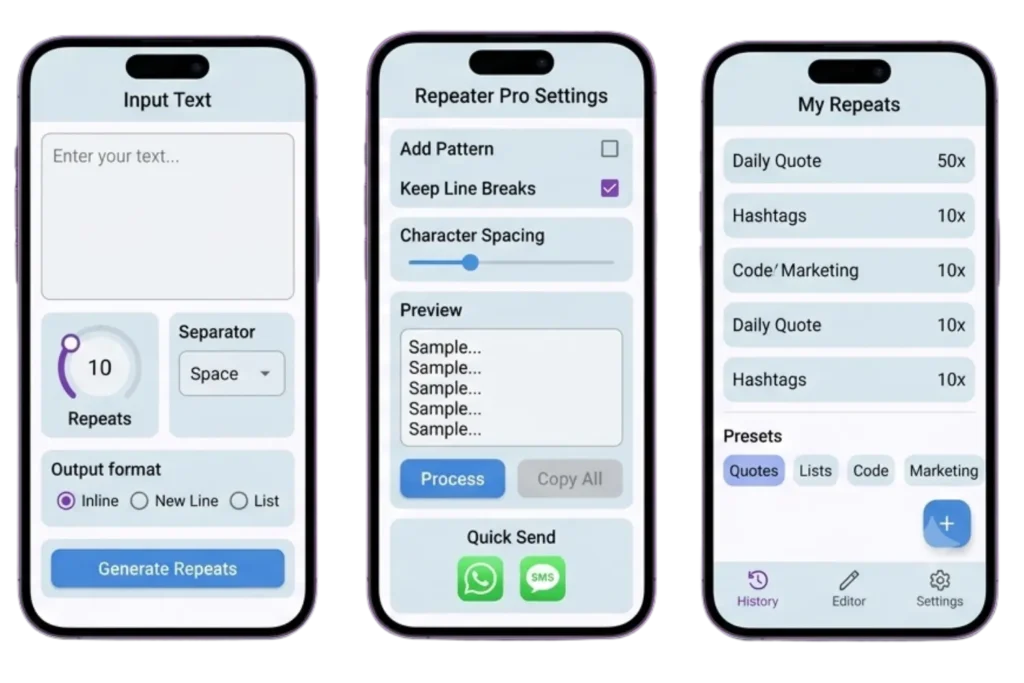
A Text Repeater is an online tool that automatically duplicates text, words, sentences, messages, emojis, and symbols multiple times. It allows users to create repeated text instantly without manually copying and pasting the same content again and again.
How To Use Text Repeater
1
Enter Your Text
Paste any word, sentence, emoji, or message.
2
Select Repeat Count
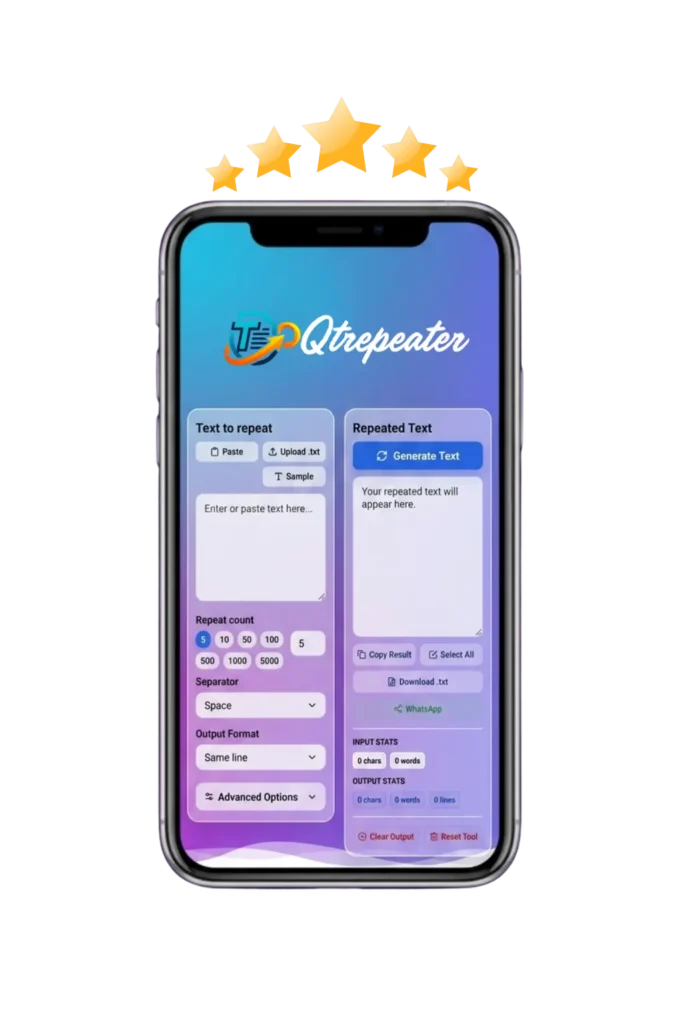
Choose 10, 100, 1000, or custom number.
3
Choose Output Format
Select:
- Same line
- New line
- Custom separator
4
Copy Your Result
Copy or download generated text.

1
Repeat Text Up To 10,000 Times
Generate large blocks of repeated text instantly. Choose your preferred repetition count from 10, 100, 500, 1000, or enter a custom number.
2
Multiple Output Formats
Choose how your repeated text appears with flexible output options including same line, new line, numbered list, and paragraph formats.
3
Custom Separators
Add spaces, commas, symbols, or custom characters between repeated text to create unique text patterns.
4
Emoji & Symbol Repeater
Repeat emojis, icons, and Unicode symbols easily for creative messages, social media posts, and decorative text designs. For emojis only, try the dedicated Emoji Repeater page.
5
WhatsApp Text Repeater
Create repeated messages for WhatsApp, Telegram, SMS, and other chat applications. Copy your generated text instantly and share anywhere.
6
Character & Word Counter
Track your generated output with live character, word, and line counts to manage your repeated text size easily.
7
Privacy-Focused Browser Tool
Your text is processed directly in your browser. No account, signup, or software installation is required. Read our privacy policy page
8
Mobile Friendly Experience
Use Text Repeater smoothly on desktop, mobile phones, and tablets with a fast and responsive interface.
9
Copy & Download Instantly
Copy repeated text directly to your clipboard or download the result as a TXT file for later use.
10
Works With Any Text & Language
Repeat words, sentences, paragraphs, numbers, emojis, and Unicode characters in any language.

Output Format Examples
See what the tool produces with different separators. Pick the format that fits your chat, post, or document.
Space separator
Chat messages on one line
“hello” × 3“hello hello hello”New line separator
WhatsApp messages and lists
“step” × 3“step”
“step”
“step”Numbered list
Instructions and rankings
“step” × 31. step
2. step
3. stepCustom separator “ | ”
Banners and decoration
“wow” × 3“wow | wow | wow”Emoji repeat, no space
Emoji walls
“🔥” × 10Comma separator
Plain lists
“apple” × 4“apple, apple, apple, apple”Every example above is generated live by the tool at the top of this page. Try your own text and count.
Popular repeat counts
Playful messages (“ha” × 100), short pranks
Stress-testing a chat input, long ASCII dividers
QA load tests, max-length experiments (our tested cap)
Limits and Performance
Tested maximum: this tool has been tested with up to 10,000 repeats, and it handled the full count instantly on a desktop browser.
How big does repeated text get? Measured with a newline between repeats:
| Message | Repeats | Output size |
|---|---|---|
| “Hello” | ×100 | 599 characters |
| “Hello” | ×1,000 | 4,999 characters |
| “Hello” | ×10,000 | 49,999 characters |
A note on paste limits: apps don’t publish how much text you can paste at once, so we don’t guess. Our tool generates up to 10,000 repeats reliably (tested on desktop, October 2026). If an app rejects a very long paste, split it into two or three parts. The text itself is fine.
What affects performance: generating very large outputs depends on your device. Modern phones comfortably handle hundreds of repeats; thousands of repeats may slow down older phones or very long pages. Your internet speed does not matter. Everything runs locally in your browser.
Practical ranges: for WhatsApp and chat apps, a few dozen to a few hundred repeats is the realistic range. For testing and QA work (stress-testing text fields, checking layouts), the full 10,000-repeat capacity is there when you need it.
If the browser slows down: lower the repeat count, close unused tabs, or generate very long outputs in smaller parts and combine them. If a paste fails in another app, split the output and send it in pieces. See the troubleshooting section of our Guide page.
Why is 10,000 the cap? 10,000 repeats of a 100-character message is about 1 MB of text. Large enough for serious stress-testing, small enough to copy and paste without freezing your browser. Higher caps crash mobile keyboards, so we stopped where it stays usable.
Please don’t spam. Pasting 10,000 repeats into a group chat will get you muted or banned on most platforms. This tool is for testing, formatting, and fun with friends who are in on the joke.
Text Repeater vs Manual Copy-Paste: Which Is Better?
Compare how an online Text Repeater saves time, improves accuracy, and makes repetitive text tasks easier compared to manual copying and pasting.
Common Uses of Text Repeater
1
Messaging and Chat:
Repeat:
“Happy Birthday 🎂”
100 times for a special message.
2
Content Creation
Placeholder text
Content patterns
Testing data
3
Developers and Testing
Developers can generate repeated strings to test text fields, databases, layouts, and application limits.
- Fixture data: generate 1,000 identical rows to test imports and parsers.
- Truncation checks: repeat a 300-character string to see exactly where a VARCHAR(255) field cuts off.
- Separator bars: “═” × 80 makes a clean full-width divider for logs and terminals.
Quick Text Repeater for WhatsApp and Social Media
Create repeated messages for WhatsApp, Telegram, Instagram captions, TikTok bios, Messenger chats, and other platforms.
Users commonly use text repetition for:
- Birthday wishes
- Emoji reactions
- Decorative messages
- Funny phrases
- Social media designs
Try the dedicated WhatsApp Text Repeater page for message presets and safe-use tips.
Why Choose Our Text Repeater?
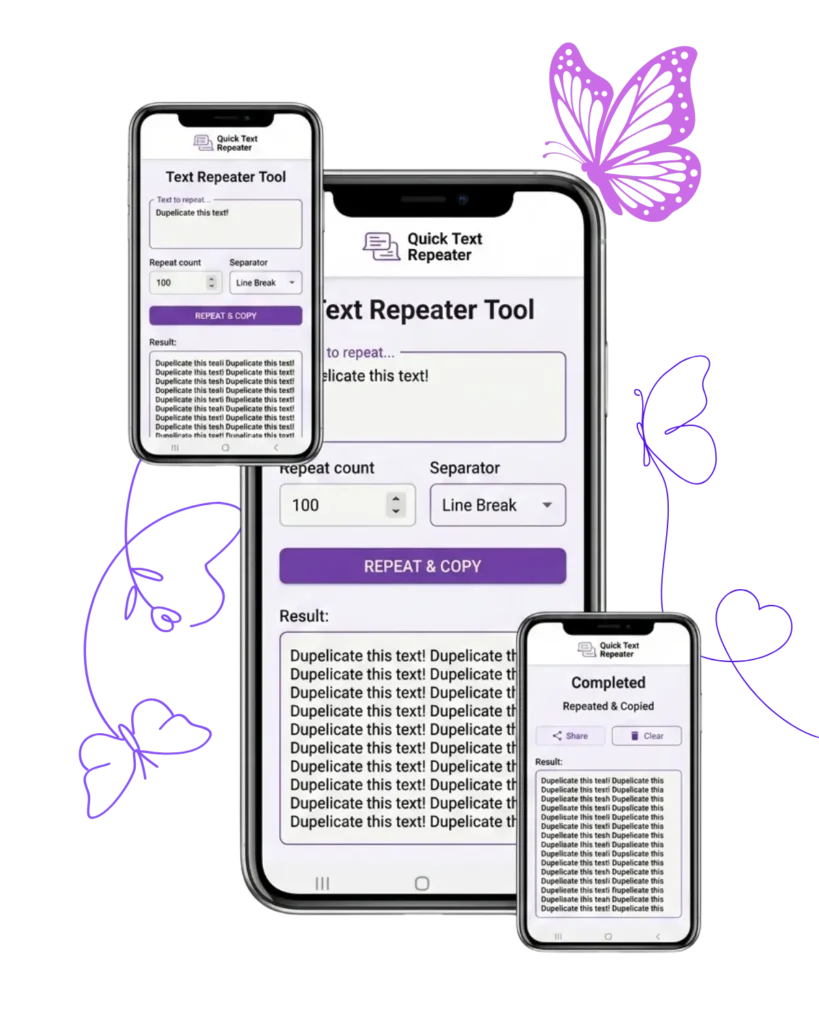
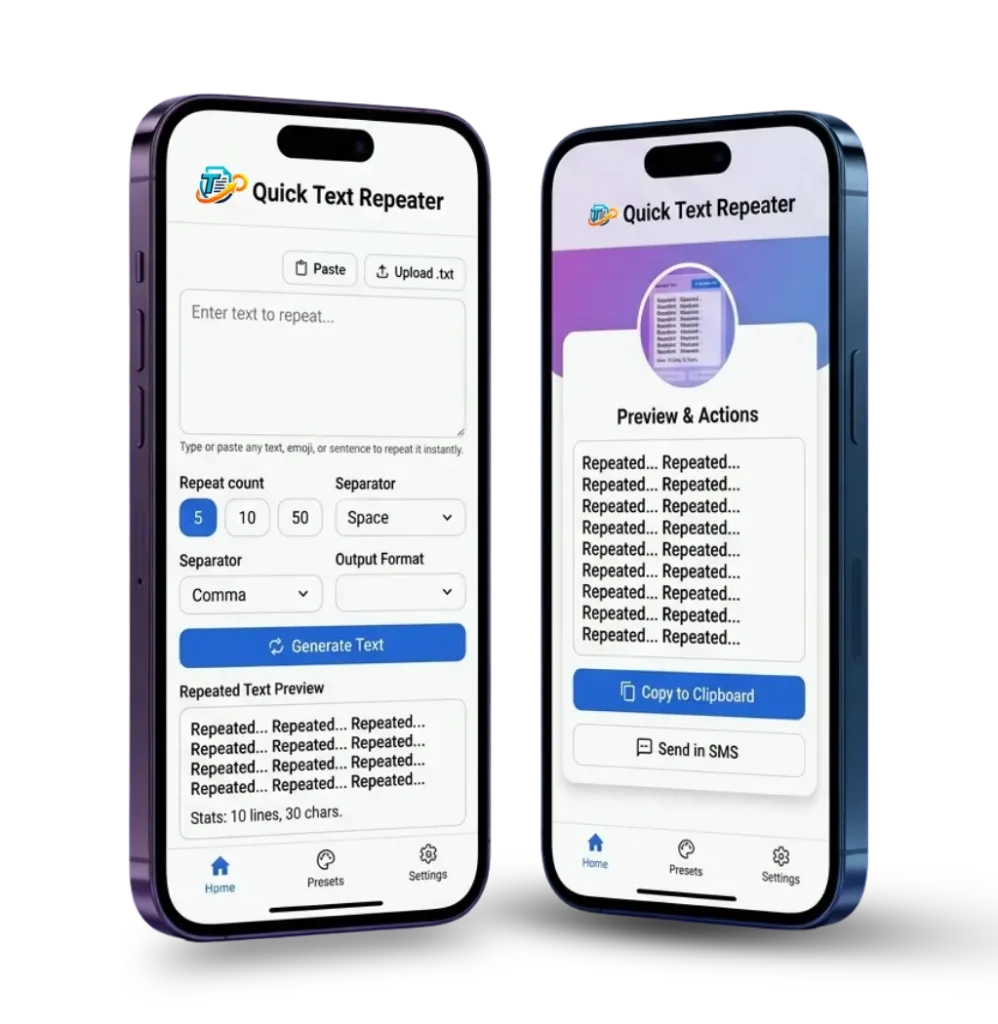
Our Quick Text Repeater is built to make text duplication simple, fast, and convenient. The tool runs directly in your browser, meaning your text does not need to be uploaded to external servers.
Anyone can use it instantly without creating an account or installing software.
Pros and Cons of Quick Text Repeater
VS
Related Tools
More free tools from Quick Text Repeater.
Frequently Asked Questions (FAQs)
Operated by the Quick Text Repeater Team. Read our Privacy Policy.